AI Agent Automation Workflow: How to Structure One That Works
Every reliable workflow shares the same four-piece structure, on any platform. Paired with the Workflow Builder Template.
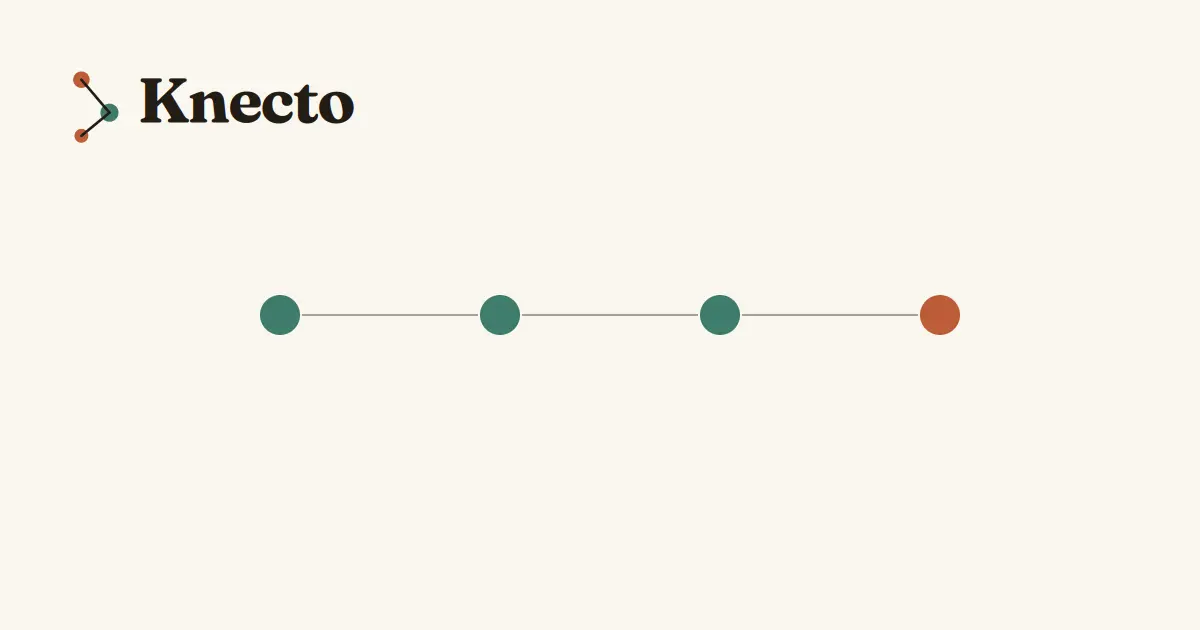
Every working automation workflow, regardless of platform, is built from the same four pieces in the same order. Once you can see that structure, building a new one is mostly filling in blanks — not staring at a blank canvas wondering where to start. If you’re still deciding whether the task needs a workflow, an RPA script, or a full AI agent, AI Agent vs RPA vs Chatbot vs Automation sorts that out first, and the automation time savings calculator tells you whether it’s worth the build time at all.
That structure, plus an adaptable template, comes next.
The Four Pieces Every Workflow Needs
A trigger starts everything — the specific event that kicks the workflow off. A new email arrives, a form gets submitted, a scheduled time hits, an external system sends a signal. Vague triggers like “whenever something changes” produce unreliable workflows; specific triggers produce predictable ones.
A condition decides which path to take. Not every workflow needs branching, but most useful ones do — “if the message mentions a refund, go this way; otherwise, go that way.” This is what separates a real workflow from a single fixed script.
An action is where something actually happens — sending a message, updating a record, creating a task. Most workflows need two or three actions in sequence, rarely more on a first build.
A fallback handles what happens when something doesn’t go as planned — the API call fails, a value comes back empty, nothing matches any condition. Skipping this piece is the single most common reason workflows break silently in production — a lesson McKinsey’s research on real-world agentic AI deployments found held true at the enterprise level too.
Trigger Types Worth Knowing
Event-based triggers fire the moment something happens — an email arrives, a webhook receives data. These are the most common and usually the most reliable, since they’re tied to a real occurrence rather than a guess about timing. See Zapier vs Make vs n8n for how each platform actually implements trigger types like this.
Scheduled triggers fire on a fixed clock — every morning at 9am, every Monday. Good for digests, reports, and recurring checks that don’t need to happen the instant something changes.
Manual triggers wait for a person to start them. Useful for workflows that need a human decision before running at all, rather than firing automatically.
Building the Condition Layer Well
The mistake beginners make is either skipping conditions entirely — one path handles everything, badly — or building ten conditions before testing whether even one works. Start with a single condition that separates the two most common cases you actually see, then add more once that one is solid.
A condition should be checkable with a clear yes or no. “Is the order value over $100” works. “Does this seem urgent” doesn’t, because a workflow can’t reliably judge vague feelings the way a person would.
| Piece | Purpose | Example |
|---|---|---|
| Trigger | Starts the workflow | New form submission received |
| Condition | Decides the path | Is the request marked high priority? |
| Action | Does the actual work | Send a Slack alert, update a record |
| Fallback | Handles the unexpected | If no match, notify a human instead |
Most beginners spend all their design time on the condition logic and treat the fallback as an afterthought. But the fallback is the piece your users actually notice — it’s the difference between a confusing dead end and a clear next step when something breaks.
Testing Before You Trust It
Run the workflow against three or four real past examples, not the clean hypothetical you designed it around. If it handles messy, real inputs correctly, it’s ready. If it only works on the tidy example that inspired it, the fallback path needs more work before it goes live.
Build Your Own Workflow Template
Rather than starting from a blank canvas, it helps to pick your trigger and action types and get a filled-in structural template to adapt. If you’d rather follow a complete first build start to finish, see How to Build an AI Agent (No Code Required). The generator below builds that starting outline based on your answers.